
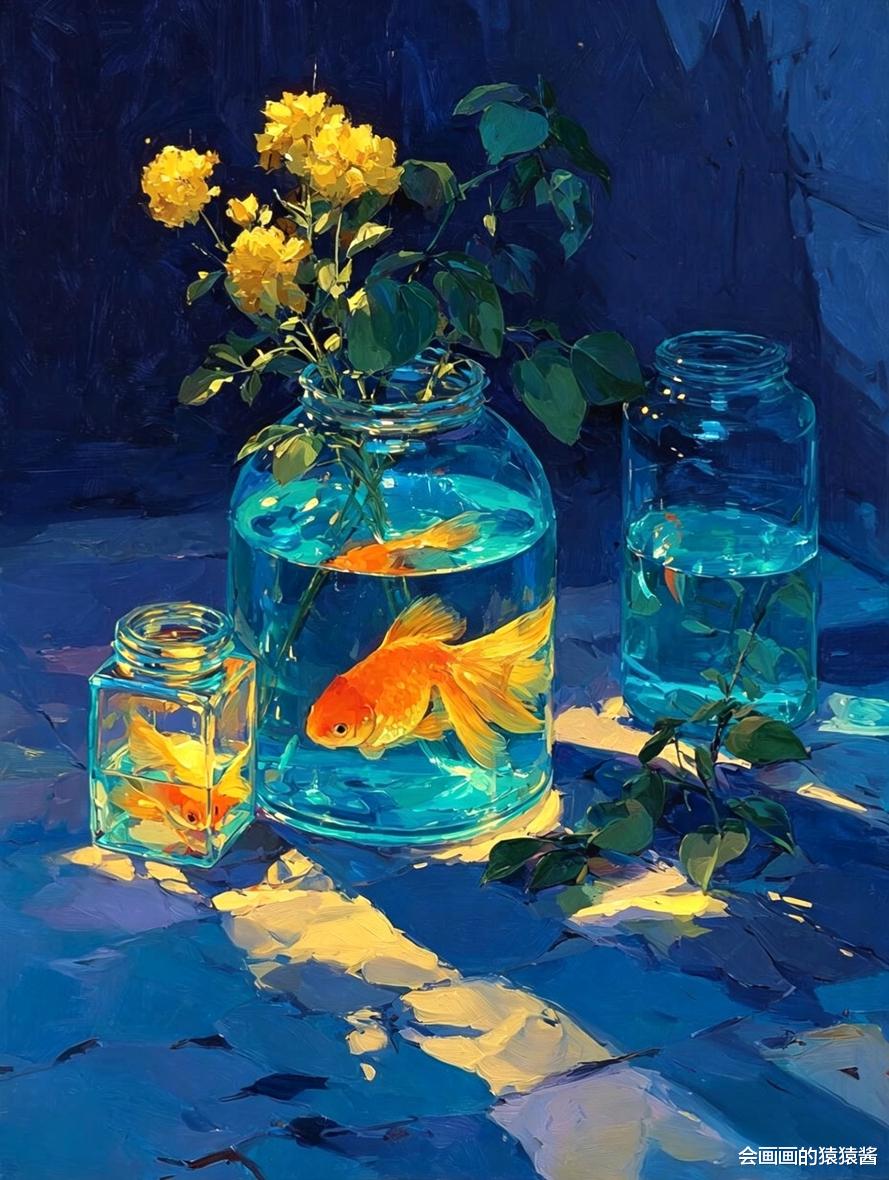


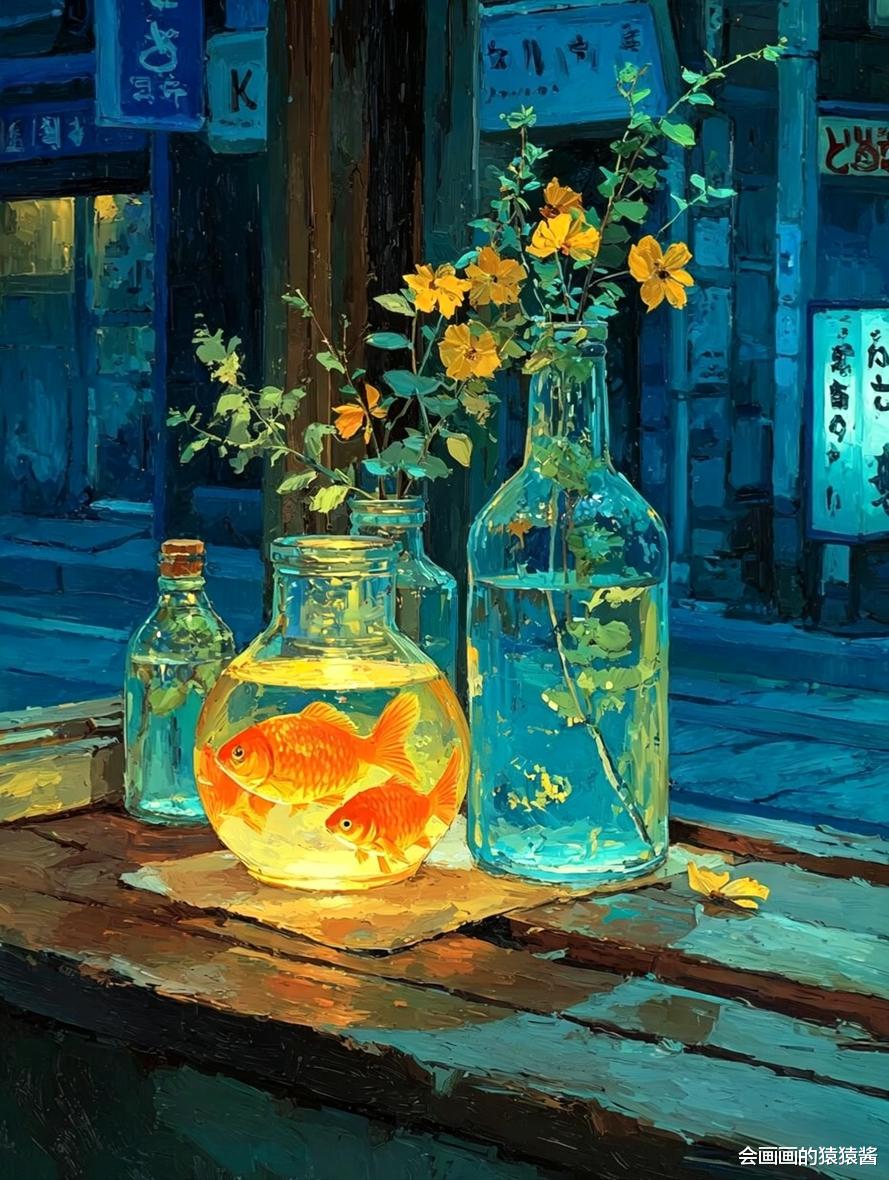

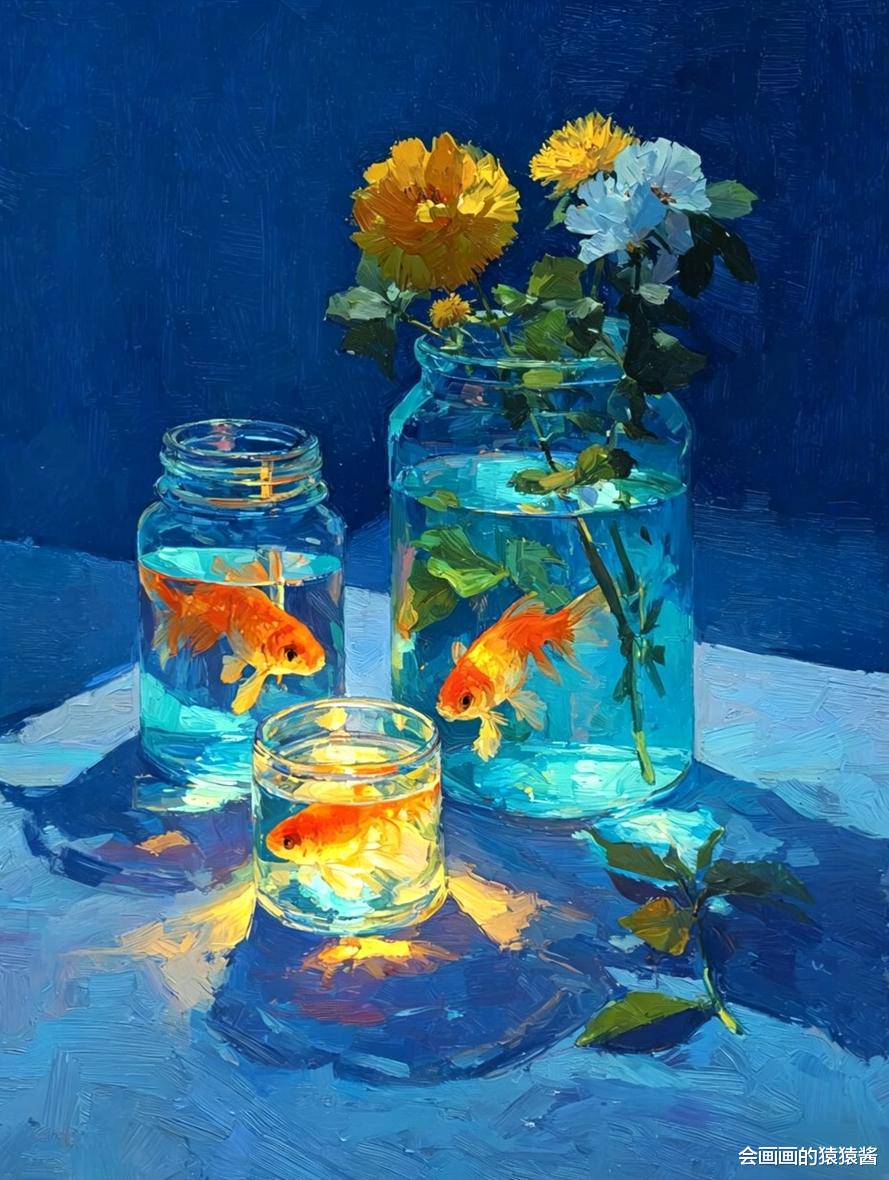
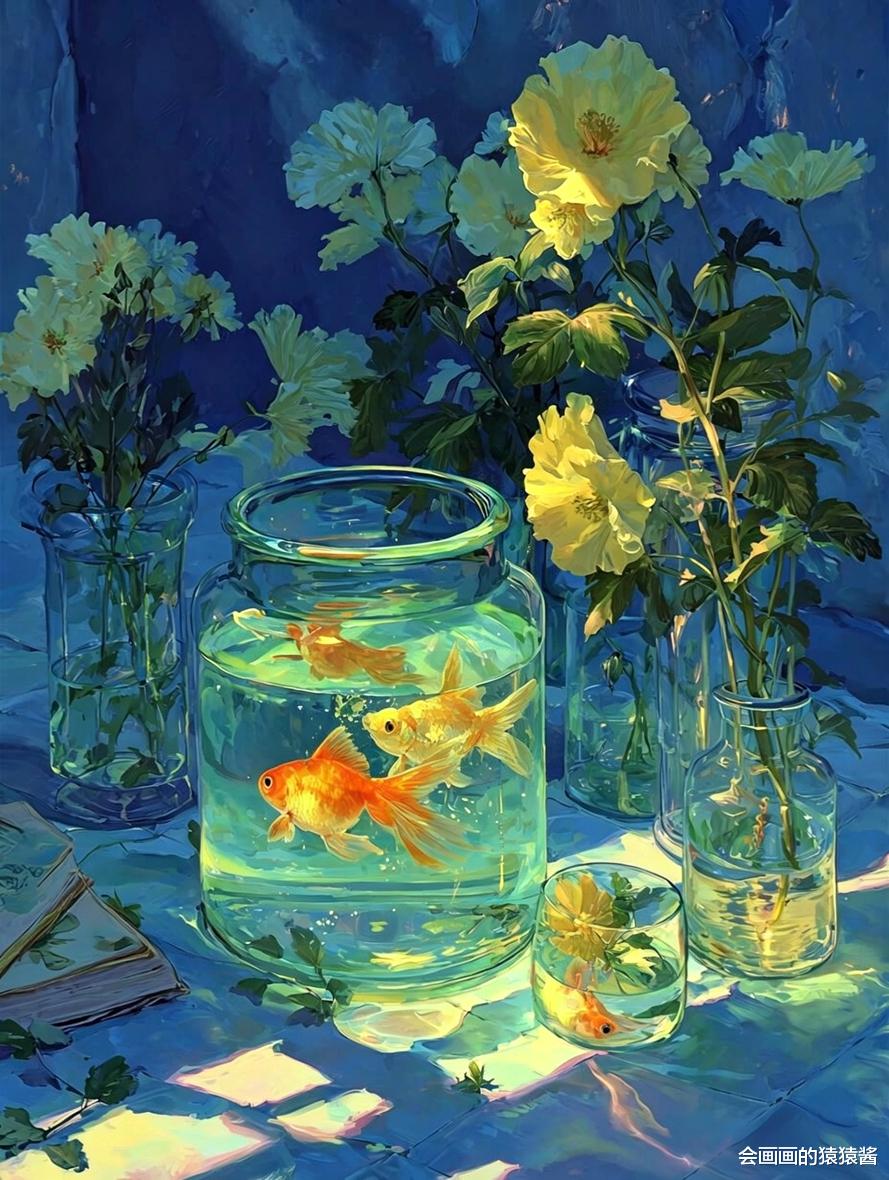
正向 Prompt(核心):
masterpiece, best quality, oil painting, still life, goldfish in glass jars, blue glass bottles, yellow rose, white small flowers, dark blue background, thick impasto brushstrokes, dramatic lighting, warm sunlight, vibrant color contrast, realistic water refraction, detailed glass texture, wooden table, vibrant colors, impressionist style, high detail, 8k
反向 Prompt(避坑):
low quality, blurry, ugly, deformed, watermark, text, signature, extra limbs, bad anatomy, disfigured, cartoon, flat color, overexposed, underexposed
🛠️ ComfyUI 生成步骤1. 基础模型与插件准备主模型:推荐使用 Realistic Vision V5.1 或 MeinaMix,适配油画质感与写实光影;
插件:安装 ControlNet(可选,用于构图稳定)、Ultimate SD Upscale(用于高清放大);
采样器:选择 Euler a 或 DPM++ 2M Karras,步数设置 25-30 步,CFG Scale 设为 7-9,平衡细节与画面自然度。
2. 工作流搭建(核心步骤)加载模型:拖入 CheckpointLoaderSimple,选择上述主模型,自动匹配 VAE;
输入提示词:拖入 CLIPTextEncode,分别粘贴正向 / 反向 Prompt,连接至 CLIP 节点;
设置采样参数:拖入 KSampler,设置步数 30、CFG 8、采样器 DPM++ 2M Karras,连接模型、提示词与空 Latent;
生成基础图:空 Latent 设置 1024×1280 分辨率,匹配原图比例,点击生成;
高清优化(可选):拖入 Ultimate SD Upscale,放大 2 倍,提升油画笔触与玻璃质感细节;
ControlNet 构图锁定(进阶):上传原图作为参考,选择 canny 预处理器,控制画面构图不跑偏,适合新手复刻。
3. 关键参数调优(出图关键)光影控制:通过 dramatic lighting, warm sunlight 强化明暗对比,还原原图的氛围感;
笔触强化:添加 thick impasto brushstrokes, impressionist style,让 AI 生成厚涂油画质感;
细节优化:用 realistic water refraction, detailed glass texture 精准还原玻璃通透感与水的折射效果;
避坑技巧:反向 Prompt 必须添加 cartoon, flat color,避免画面变平、失去油画层次。